
Measure a removed AA alkaline cell with a Fluke101
Measure a removed AA alkaline cell in DC volts and understand why an unloaded reading does not prove remaining battery life.
What will you learn?
Measure a removed AA alkaline cell in DC volts and understand why an unloaded reading does not prove remaining battery life.
Tools
- Matched Fluke 101 meterSearch Amazon UK ↗
- Intact compatible test leadsSearch Amazon UK ↗
- Dry nonconductive work surface
- Nonconductive cradle if the cell rollsSearch Amazon UK ↗
- NotebookSearch Amazon UK ↗
- PencilSearch Amazon UK ↗
- Divided nonconductive battery storage boxSearch Amazon UK ↗
Materials
- One intact removed AA/LR6 alkaline cell
Step by step
Photorealistic illustration · Waey
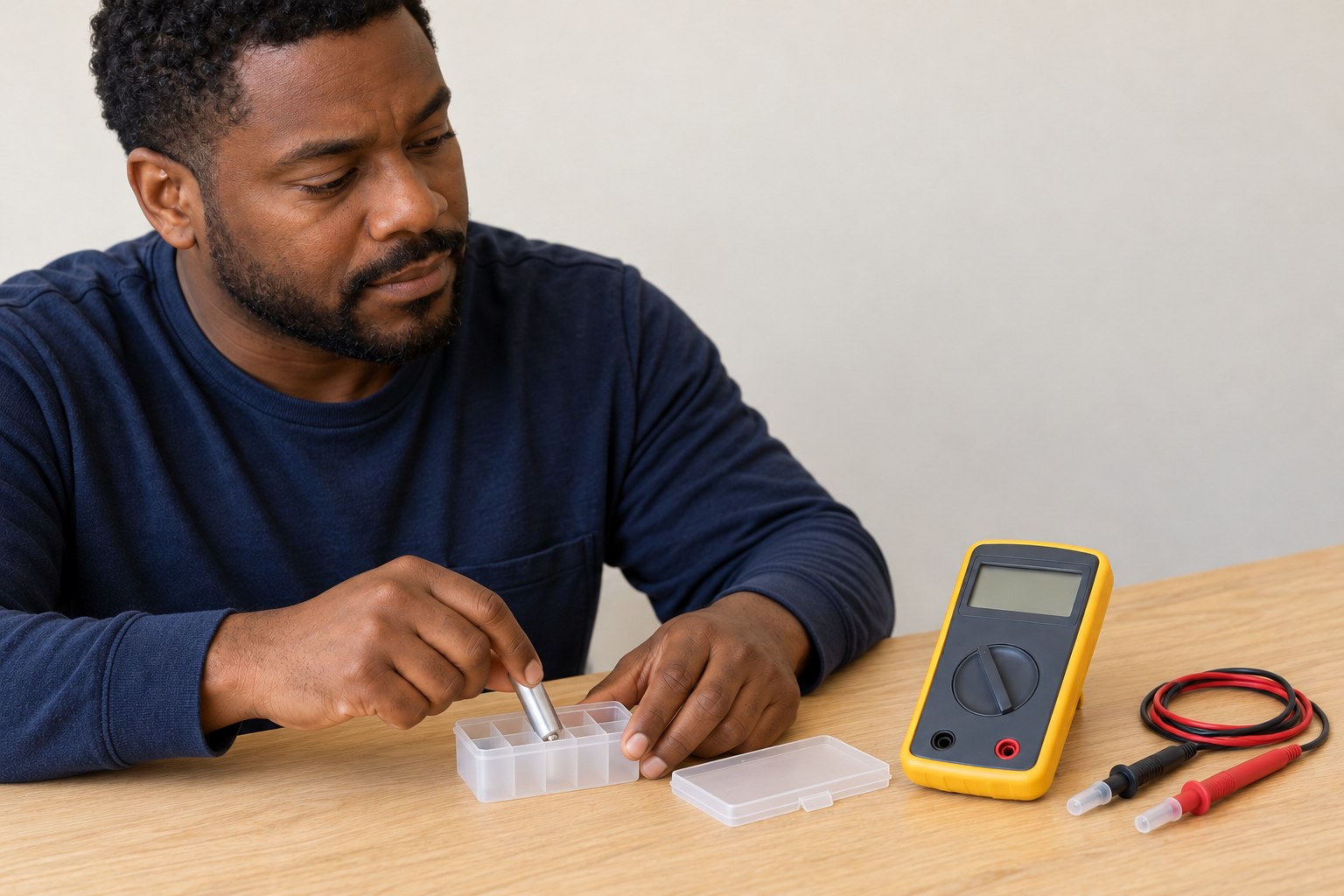
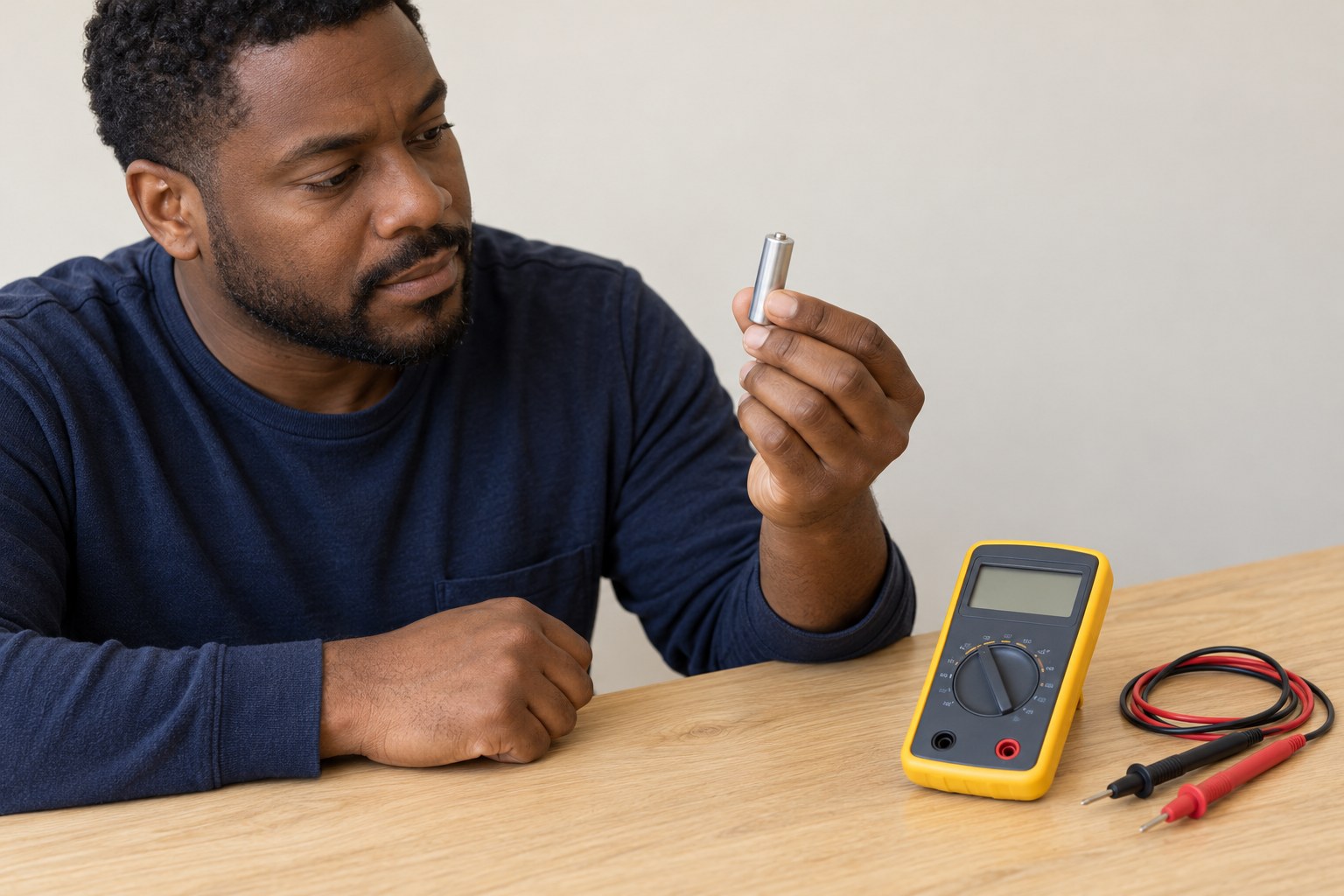
1. Choose one intact AA alkaline cell
Read the cell label and confirm AA/LR6 alkaline, nominally 1.5 volts. Remove it from the device before testing, following the device instructions. Keep the remaining cells separate so their original set stays identifiable. Stop if the wrapper is damaged, a terminal is corroded, or the cell is swollen, leaking or unexpectedly warm. Do not use this procedure for an unidentified or rechargeable cell.
Photorealistic illustration · Waey
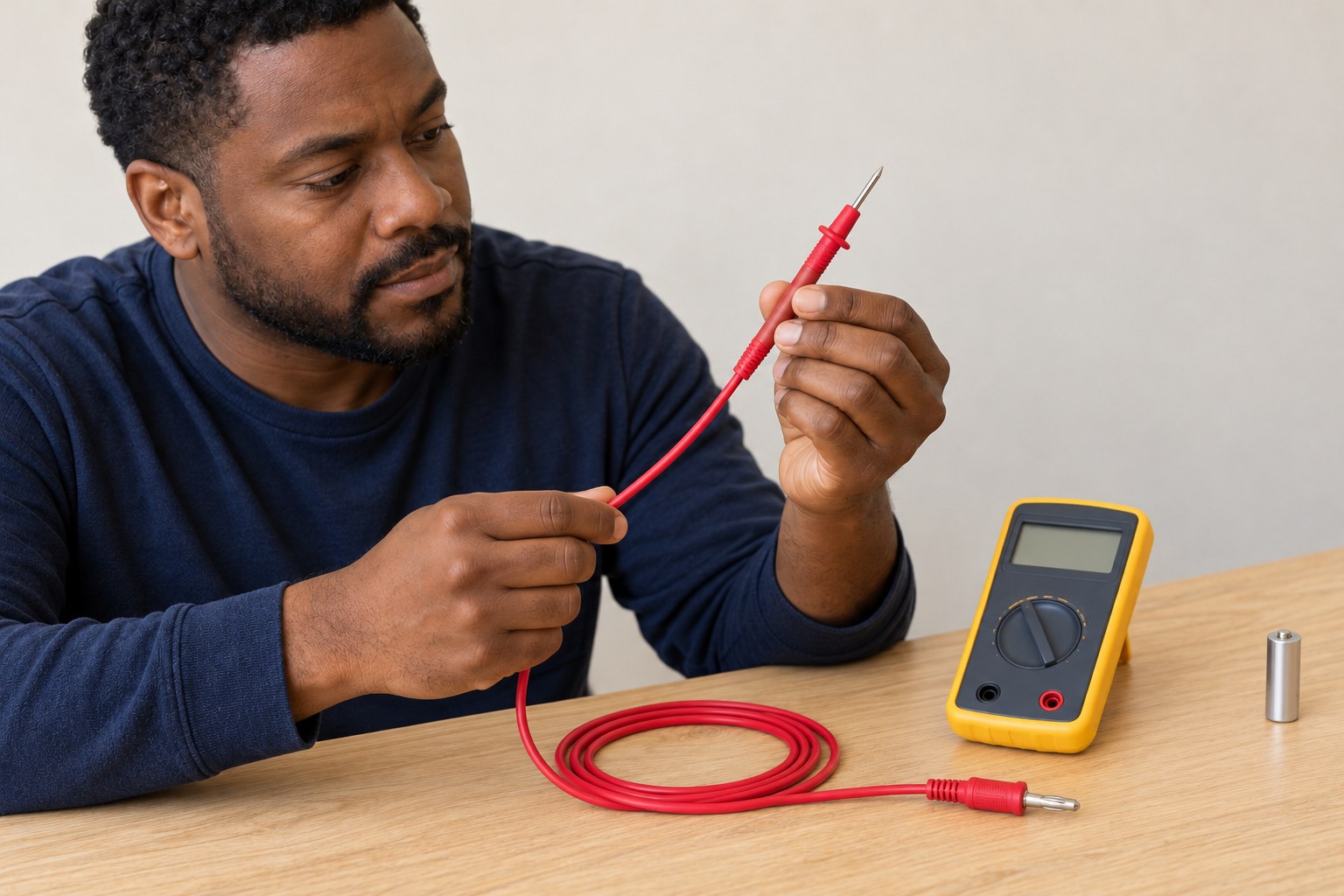
2. Inspect the meter and leads
Use the matching Fluke 101 manual and inspect the case, sockets, leads and probe insulation before connecting anything. Check that the display works and the low-battery warning is absent. Keep fingers behind the probe guards. Work on a dry nonconductive surface, with no metal tray or loose screws near the cell. A damaged or unreliable meter needs attention before a useful measurement is possible.
Photorealistic illustration · Waey
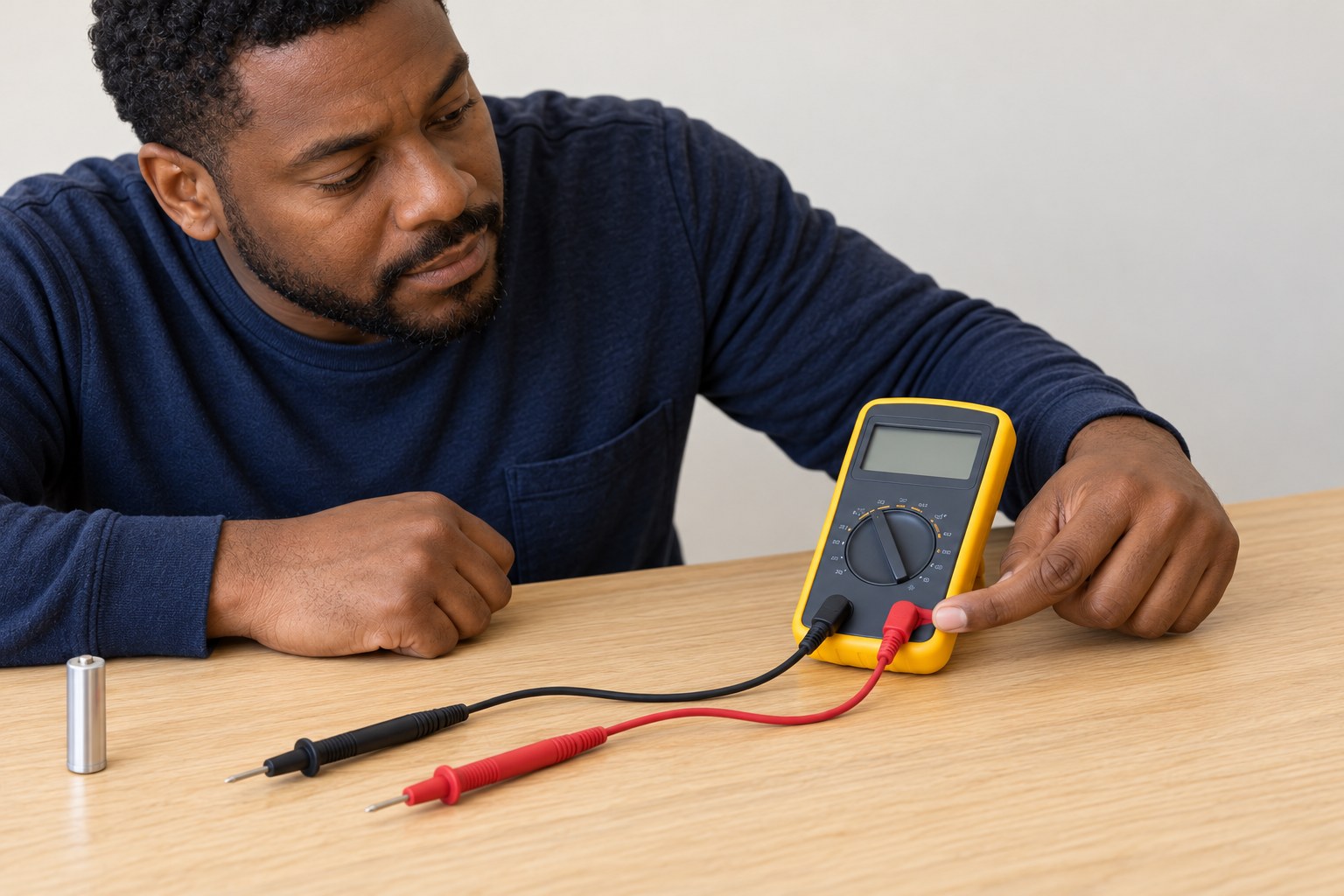
3. Connect the voltage leads with the meter off
With the selector at OFF and both probe tips clear of the cell, insert the black lead fully into COM and the red lead into the voltage input identified in the manual. The Fluke 101 has two measurement inputs; do not copy socket positions from another meter. Route the leads loosely without pulling on their plugs. Do not add a resistor, lamp or other load.
Photorealistic illustration · Waey
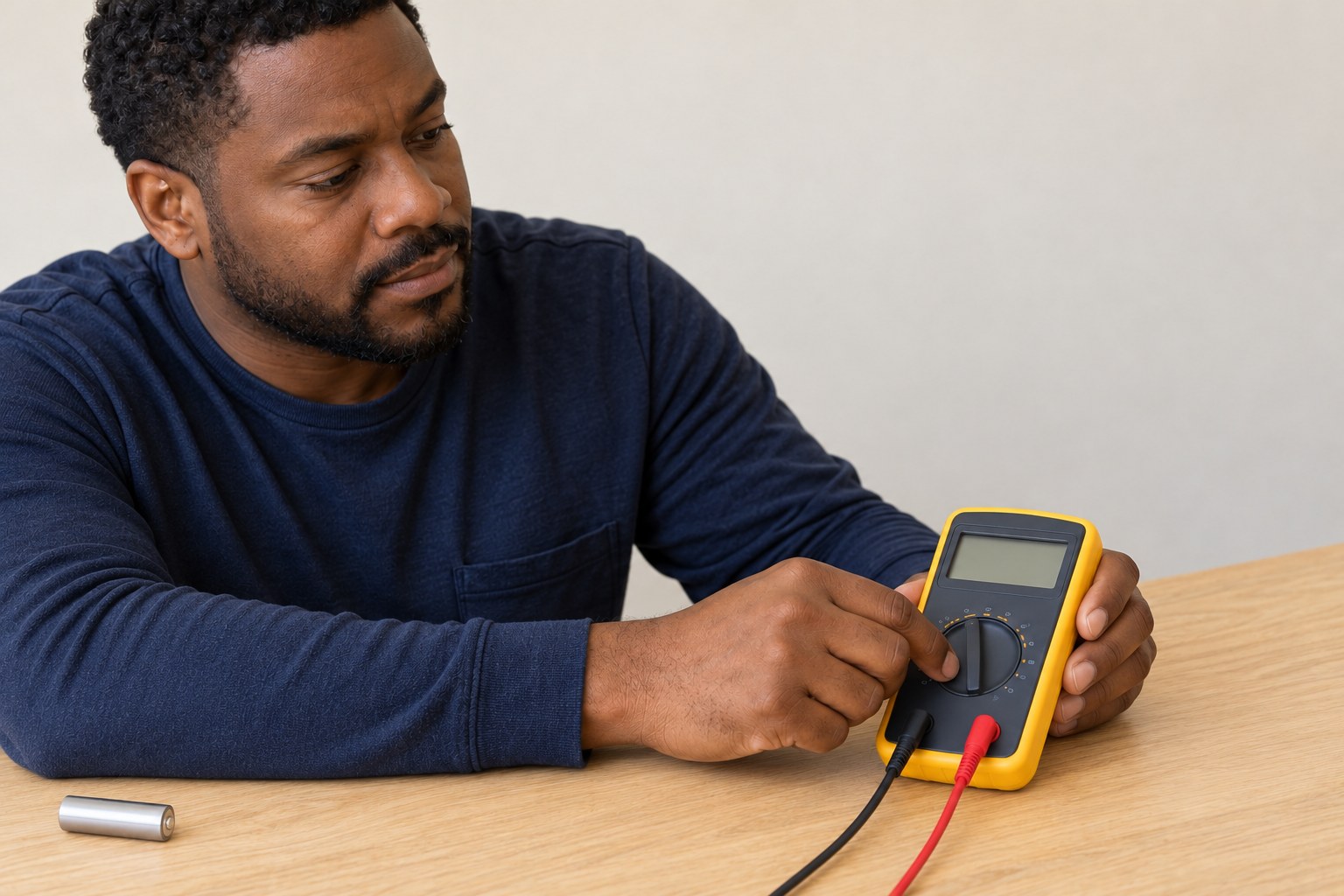
4. Select DC volts and a live display
Turn the selector to the DC-voltage position marked V with a solid line over a broken line, as shown in the matched manual. Do not choose AC volts, resistance, continuity or millivolts for this exercise. Leave the meter autoranging and ensure HOLD is not freezing the display. The loose-probe reading is not the cell voltage; only the correctly connected measurement counts.
Photorealistic illustration · Waey
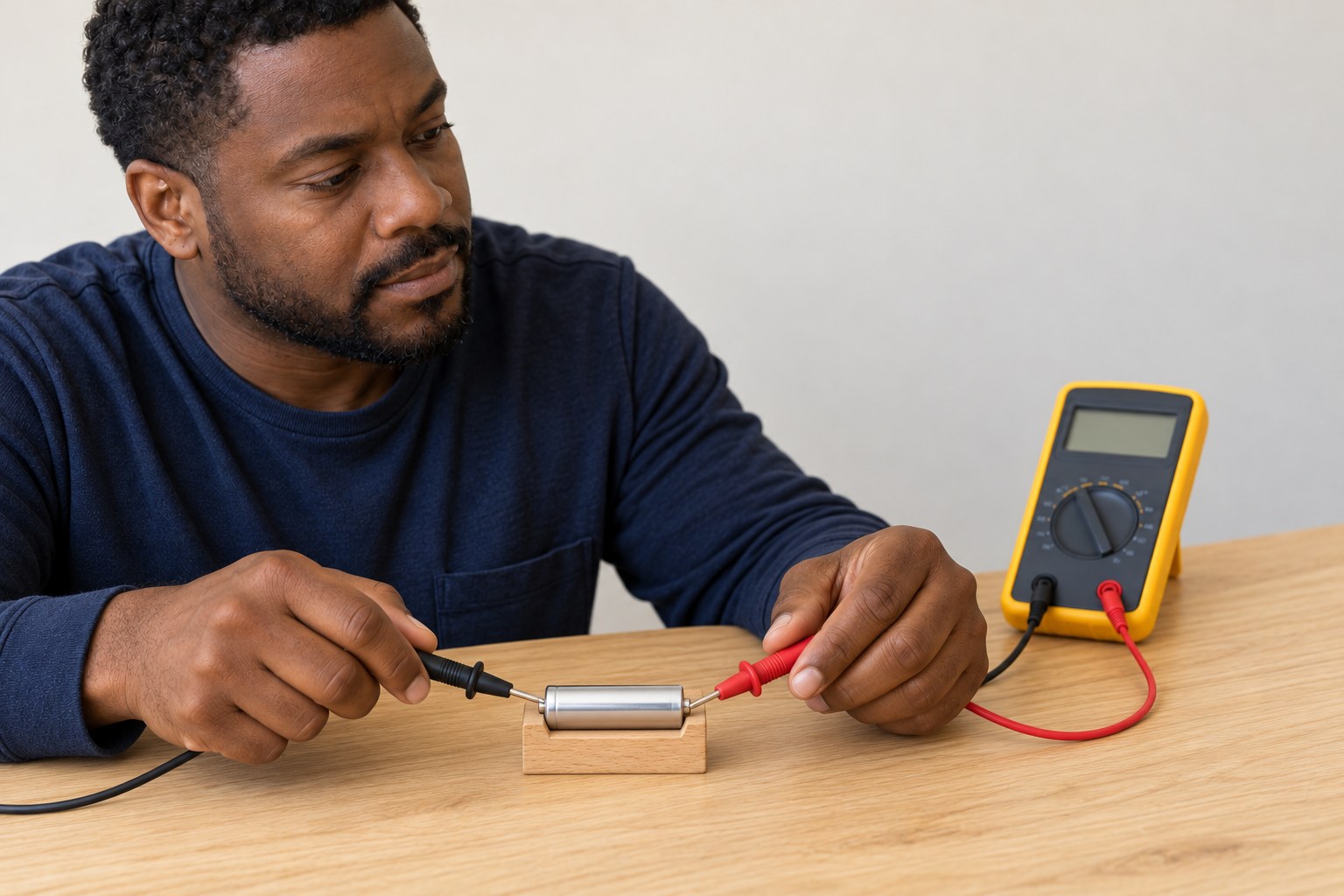
5. Touch one probe to each end
Rest the AA cell so it cannot roll, using a nonconductive cradle if needed. Place the black probe tip on the flat negative end and the red tip on the raised positive end. Keep the tips on their separate terminals and your fingers behind the guards. Read the stable DC-voltage value without squeezing or piercing the wrapper. Remove the probes if the cell moves or contact becomes uncertain.
Photorealistic illustration · Waey
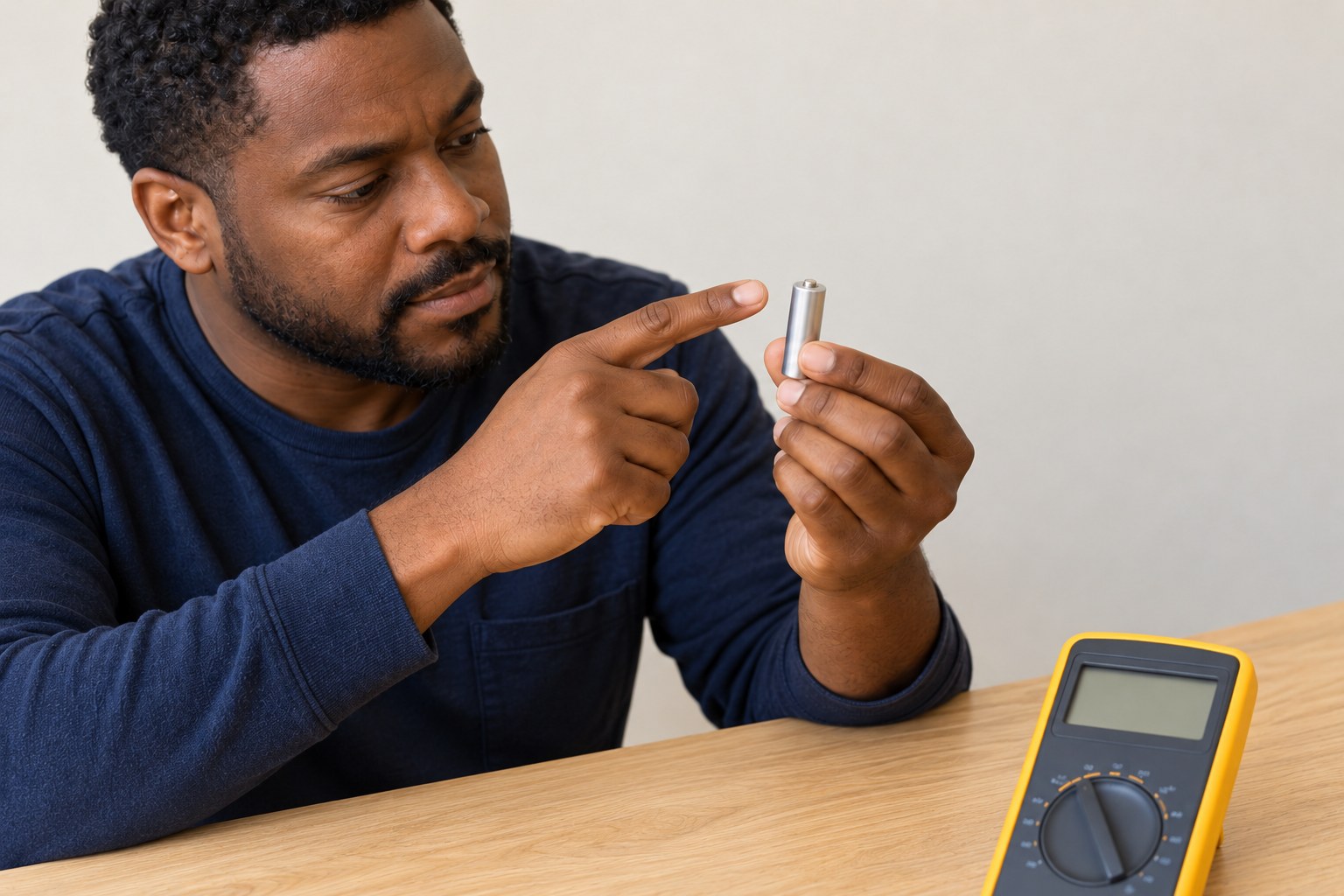
6. Resolve a minus sign or unstable contact
A minus sign with otherwise plausible magnitude usually means the probe polarity is reversed. Lift both probes, check the cell markings and restore red to positive and black to negative. If the value jumps, check secure plugs, clean intact terminals, the DC setting and whether HOLD is active. Do not change functions while touching the cell. Stop rather than forcing sharp probes into a damaged surface.

Photorealistic illustration · Waey
7. Record the reading without claiming capacity
Write down the cell identity, measured voltage and that it was an open-circuit reading taken out of the device. Compare only like chemistry and conditions. This reading can reveal polarity and a voltage difference, but it does not establish remaining capacity, service time or reliable performance under load. If the actual question is whether a cell will run a device, use a suitable commercial tester or follow that device’s replacement instructions.
Photorealistic illustration · Waey
8. Switch off and store safely
Lift the probes clear, turn the meter off and cap or store the probe tips so they cannot cause injury. Keep the cell terminals away from coins, tools and other batteries in suitable separated storage. Do not recharge an alkaline cell or return a damaged one to service. If the device needs new batteries, replace its complete set with the specified size and type instead of mixing old and new cells.
Video demonstrations
How to Use a Multimeter
SparkFun explains voltage measurement. Its powered-circuit example uses a different meter; use the matched Fluke101 instructions for this isolated-cell task.
SparkFun Electronics · English captions; full narration not assessed
Watch on YouTube ↗Test Batteries with a Multimeter - Collin’s Lab Notes #adafruit #collinslabnotes
Adafruit shows probe placement across battery terminals. Its example readings and meter layout do not define the expected voltage or condition of your AA alkaline cell.
Adafruit Industries · English captions; full narration not assessed
Watch on YouTube ↗Final checks
The label confirms AA/LR6 alkaline; the cell is intact and removed from the device. Black is in COM, red in the voltage input, DC volts selected and HOLD inactive. A stable reading and polarity are recorded as open-circuit voltage, without a capacity percentage. Meter is switched off and cell stored away from metal.
Where to find supplies
Use a suitable commercial battery tester for an assessment under its specified load. Follow the device maker’s battery replacement instructions when service reliability matters. This guide gives no universal keep/discard voltage threshold and no DIY current or short-circuit test.
Sources
Fluke101 exact operating manual, DC-voltage figure printedpage11 ↗
Energizer alkaline handbook, testing/care and limits of open-circuit readings ↗
Original generated instruction illustrations created for Waey. Videos belong to their credited creator.