
Replace a matched 2020 Corolla smart-key battery and test the doors
Replace one CR2032 in the matched smart-key case, protect the cover and contacts, refit the mechanical key and verify stationary lock/unlock.
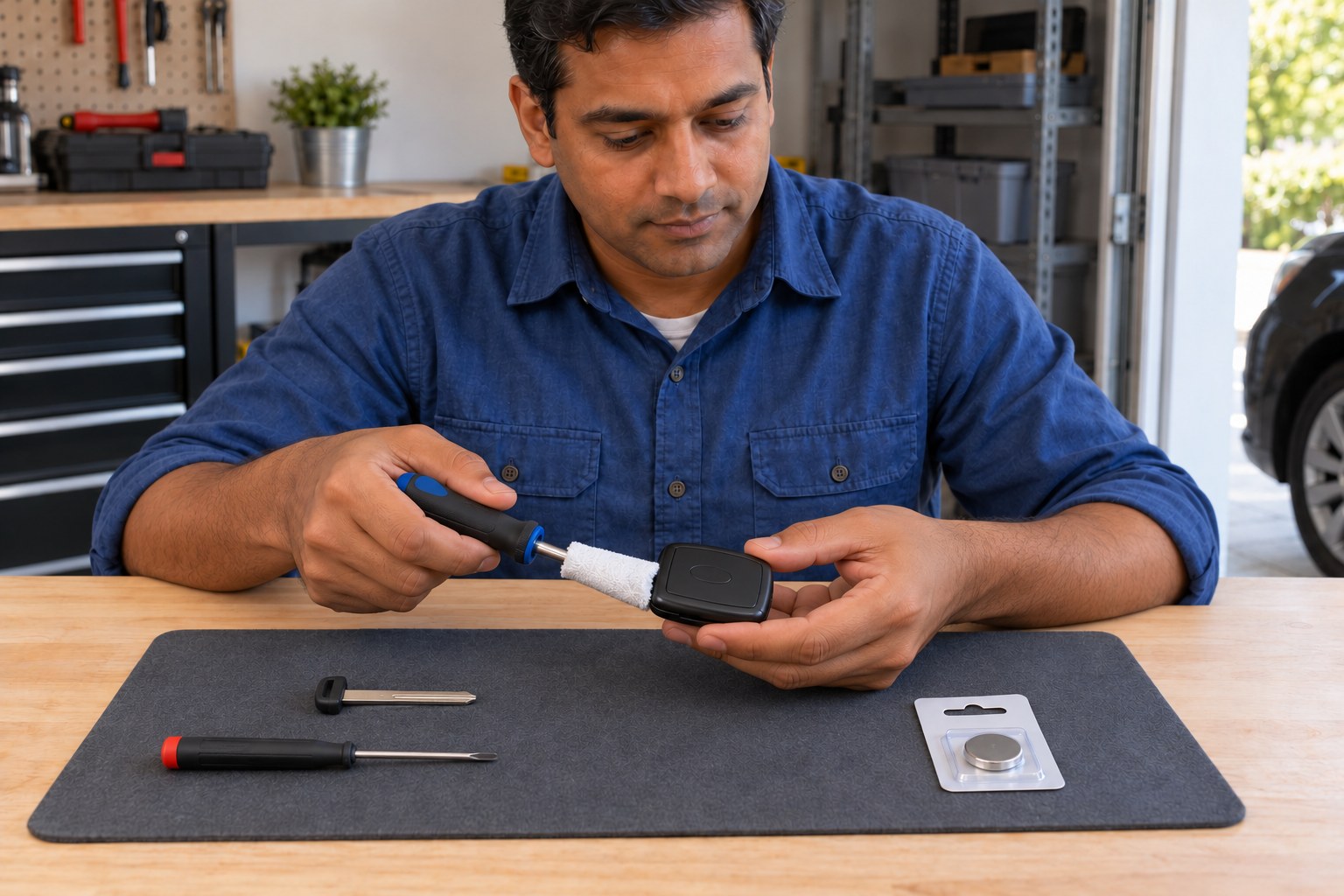
What will you learn?
Replace one CR2032 in the matched smart-key case, protect the cover and contacts, refit the mechanical key and verify stationary lock/unlock.
Tools
- Correctly sized flathead screwdriverSearch Amazon Ireland ↗
- Smaller flathead screwdriver for the specified cell-removal pointSearch Amazon Ireland ↗
- Clean rag to cover the case-opening tool tipView at Tesco Ireland (Killeen soft cloths, 4 pack) ↗Search Amazon Ireland ↗
Materials
- Matched intact 2020 US Corolla smart key with its mechanical emergency key
- One new matching CR2032 lithium coin cell, kept packaged until neededView at Tesco Ireland (Duracell CR2032 lithium) ↗Search Amazon Ireland ↗
- Clean nonmetallic workmat and secure storage for the removed batterySearch Amazon Ireland ↗
- Nonconductive electrical tape for the removed cellView at Woodie's Ireland (PVC electrical insulation tape) ↗Search Amazon Ireland ↗
Step by step
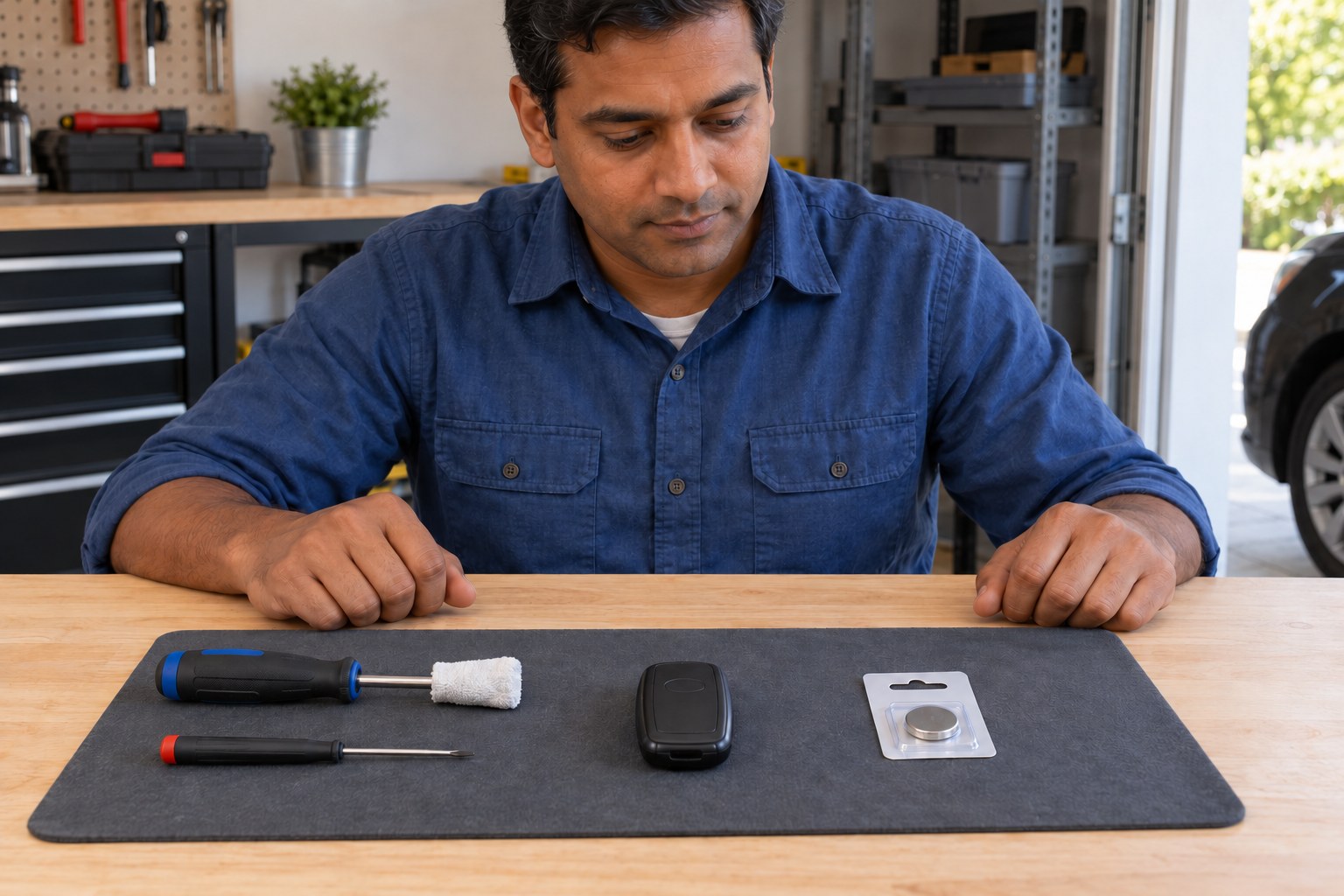
Photorealistic illustration · Waey
1. Match the smart key and prepare a dry workspace
Use the matched 2020 US Corolla smart-key procedure and compare the actual case with its diagram; this guide excludes flip keys and keys without the smart system. Toyota recommends dealer replacement because incorrect handling can damage the key. Work with dry hands on a clean nonmetallic surface, with the car parked and engine off. Keep spare access available and the new CR2032 sealed until needed; stop for a damaged or mismatched case.
Photorealistic illustration · Waey
2. Release and remove the mechanical key
Find the release lock shown in the matched diagram, release it and withdraw the mechanical emergency key. Put it safely aside without bending its blade or forcing the latch. Confirm the case-opening groove exposed at that end before selecting the correctly sized flathead screwdriver. Keep the new battery in its packaging and small parts out of children’s reach. Do not apply the opening method for a hinged flip-key case to this smart key.
Photorealistic illustration · Waey
3. Open the cover with a protected screwdriver tip
Cover the flathead screwdriver tip with a clean rag as Toyota specifies. Support the case by its edges, engage only the opening groove shown in the matched drawing, then turn gently to release the cover. Do not drive the tool deep into the electronics or force a resistant case. Set the cover down without scattering parts. If clips crack or the case will not separate with gentle controlled pressure, stop and ask Toyota for assistance.
Photorealistic illustration · Waey
4. Expose the battery and remove the old cell
Identify the battery before touching anything else. If the electronic-key module stayed with the cover and hides the battery, separate it only as shown in the manual, handling its housing edges. Use the smaller flathead screwdriver at the indicated battery-removal point to lift the depleted cell gently. Do not touch or move other components, bend terminals or bridge contacts with metal. Secure the removed cell out of children’s reach immediately; do not leave it loose on the bench.
Photorealistic illustration · Waey
5. Install one matching CR2032 with positive side up
Check that the actual key and matched manual call for CR2032, then open the new cell’s packaging. Install one fresh matching lithium cell with its + face upward as shown in the Toyota drawing, keeping the contacts undamaged and the cell properly seated. Do not stack cells or substitute a different thickness. Never recharge, heat or short-circuit the cell. Stop for corrosion, a damaged holder or a battery that will not sit correctly.
Photorealistic illustration · Waey
6. Refit the module, cover and mechanical key
Return the module to its original position if it was separated, then refit the cover by reversing the opening procedure. Check that the whole case seam closes securely without trapping a component or needing excessive force. Reinsert the mechanical key and check that its release lock retains it. Stop using the key if the cover cannot close firmly; keep it and its battery away from children and have the case inspected rather than taping it shut.
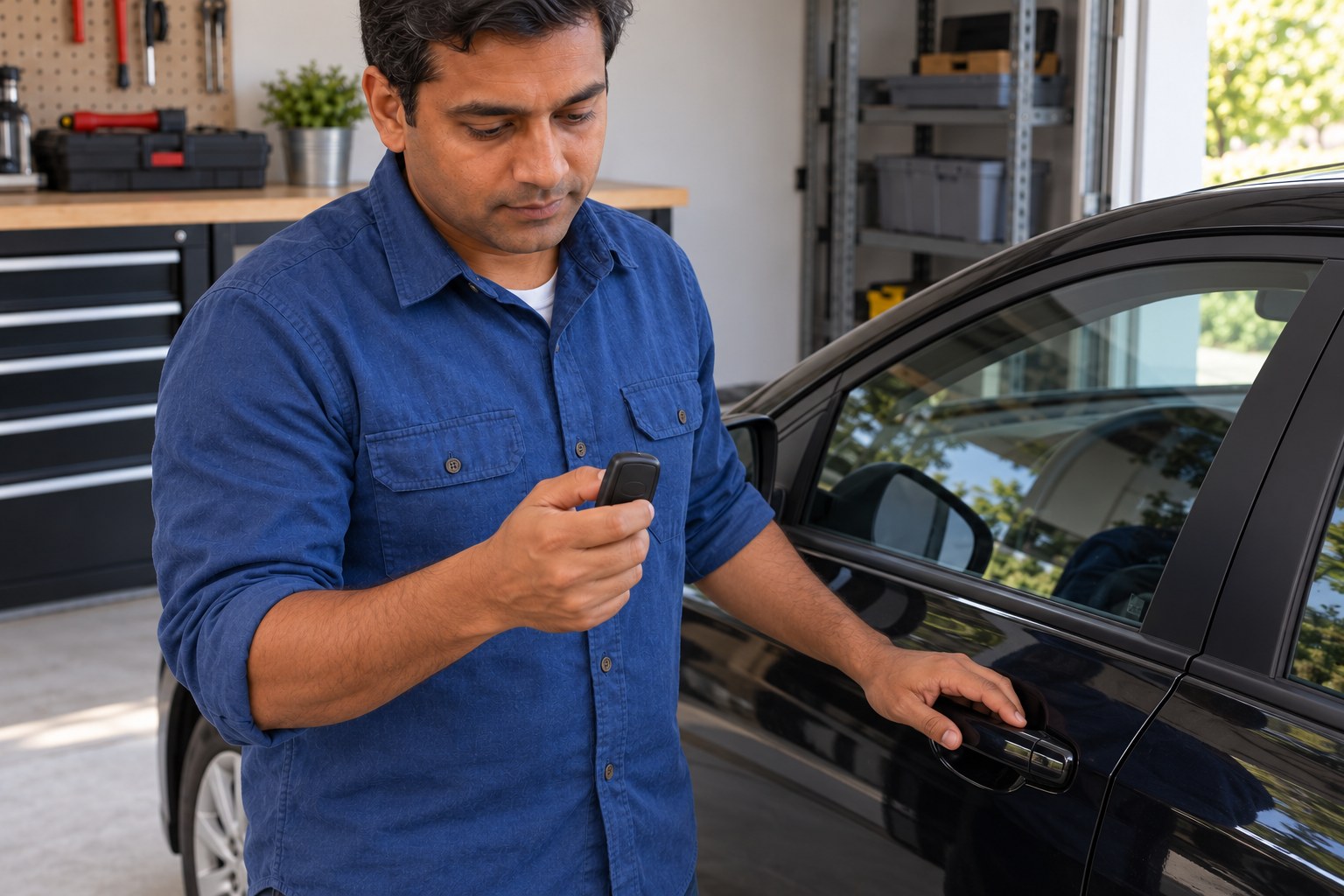
Photorealistic illustration · Waey
7. Check lock and unlock, then secure the old battery
Keep the keys outside the parked car and preserve your spare access. Operate the lock and unlock buttons and confirm the normal door response described in the vehicle handbook; the picture is only check context. If operation fails, recheck the cell type, polarity and cover fit, then seek Toyota assistance instead of improvising programming. Cover the old cell’s terminals with nonconductive tape, then keep it in secure storage for a battery collection point. If a coin battery may have been swallowed, seek emergency medical attention immediately.
Video demonstrations
How To Change A 2019 - 2022 Toyota Corolla Remote Fob Smart Key Battery - Remove Replace Tutorial
Actual video frame at0:35 shows the matched-family back case and removed mechanical key. This supports smart-key identification/removal context; actual Toyota manual governs opening, battery handling and polarity. No complete audiovisual assessment.
PYR Automotive · English ASR caption track listed; selected visual frames reviewed, speech not fully assessed
Watch on YouTube ↗Toyota Corolla Key Fob Battery Replacement (2019 - 2021)
Actual video frames at0:35 identify the four-button smart fob and at1:10 show its opening groove after mechanical-key removal. Generic year range is not universal fitment; the matched Toyota manual governs. No complete audiovisual assessment.
FobBattery · English ASR caption track listed; selected visual frames reviewed, speech not fully assessed
Watch on YouTube ↗Final checks
One correct cell positive-up, contacts intact, module returned as found, cover fully secure, mechanical key retained, normal lock/unlock response and removed cell secured.
Where to find supplies
Toyota recommends dealer battery replacement. Match the actual2020 smart-key drawing; other key types or regions need their own procedure. No flip-key or conventional-remote substitution, key registration, immobilizer, engine-start or electrical repair.
Sources
Toyota-authored2020 Corolla manual p458: preparation and CR2032, reproduced public viewer ↗
Toyota-authored2020 Corolla manual p460: smart-key drawings and positive-up cell ↗
Toyota-authored2020 Corolla manual p461: component/terminal precautions ↗
Battery manufacturer care: handling and short-circuit precautions ↗
CPSC coin-cell safety: keep batteries away from children and seek immediate care for ingestion ↗
Three original generated illustrations reviewed individually and in final JPEG sequence: preparation, cloth-protected case-opening preparation, stationary door-check context. Preparation is reused for cell removal/installation and closure checks. No actual interior, positive-up placement, battery specification, child-resistant packaging certification, exact release engagement or successful lock state is shown; matched Toyota diagrams govern those details. One exposed-tool-tip original rejected and corrected. Manufacturer drawings/screenshots and video frames stay private and were never generation inputs.