
Align a cabinet door with Blum CLIP top BLUMOTION hinges
Adjust a small, sound cabinet door using the documented H002 hinge kit’s height, side and depth cams, then check its gaps and movement.
What will you learn?
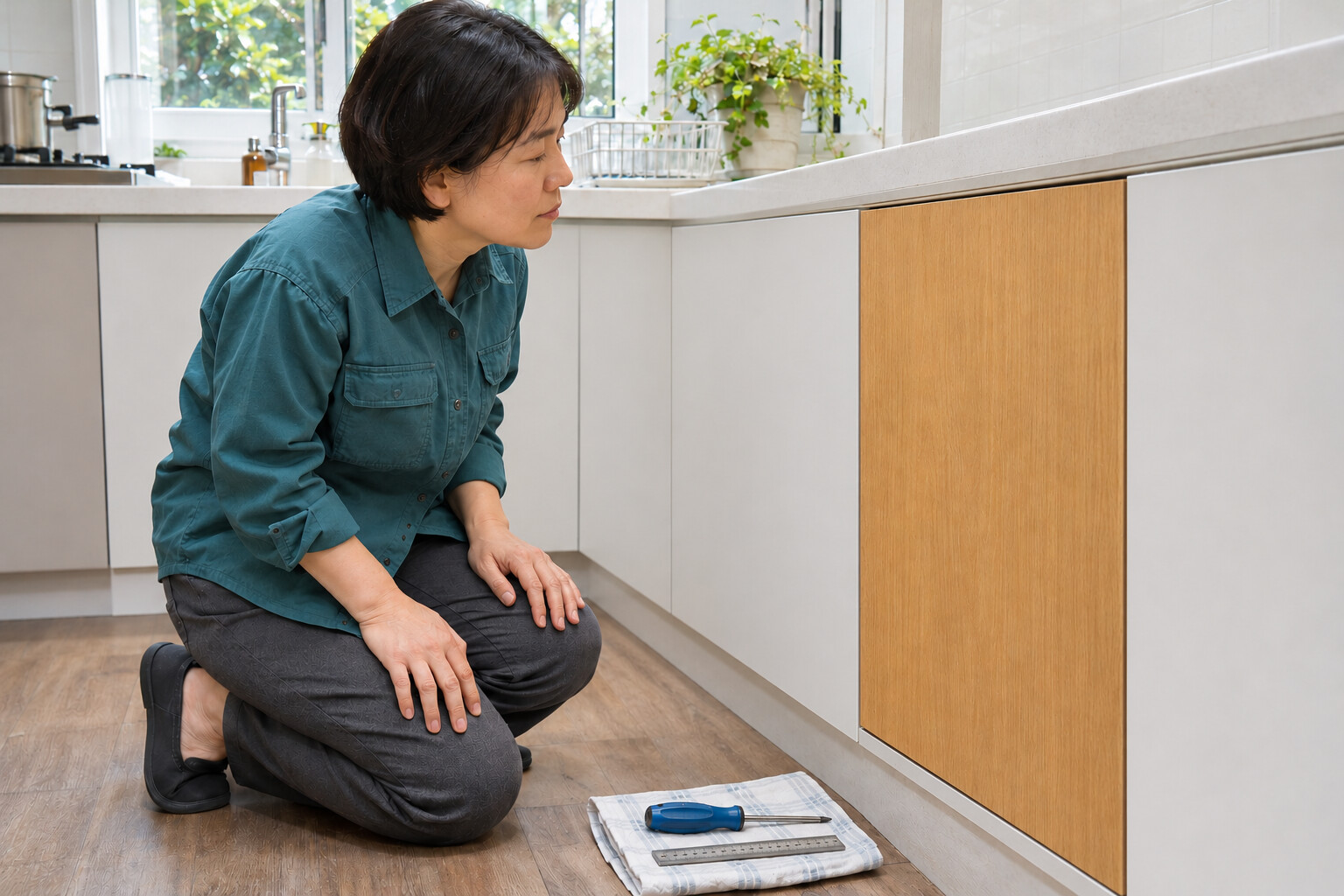
Correct small alignment errors on an existing, sound frameless cabinet door fitted with the documented Blum H002 110° hinge kit and its matching cam-adjustable mounting plates. Work through height, side position and depth, checking the gaps after each small change. This procedure needs no new hinges or drilling.
Tools
- Manual #2 POZI screwdriver, recommended by Blum for adjustment; the H002 instructions also allow #2 Phillips. Use the head that seats securely.Search Amazon Saudi Arabia ↗
- Millimetre ruler for comparing gapsSearch Amazon Saudi Arabia ↗
- Documented installed H002 kit with matching cam-height plates and its manufacturer instructions
Step by step
Photorealistic illustration · Waey
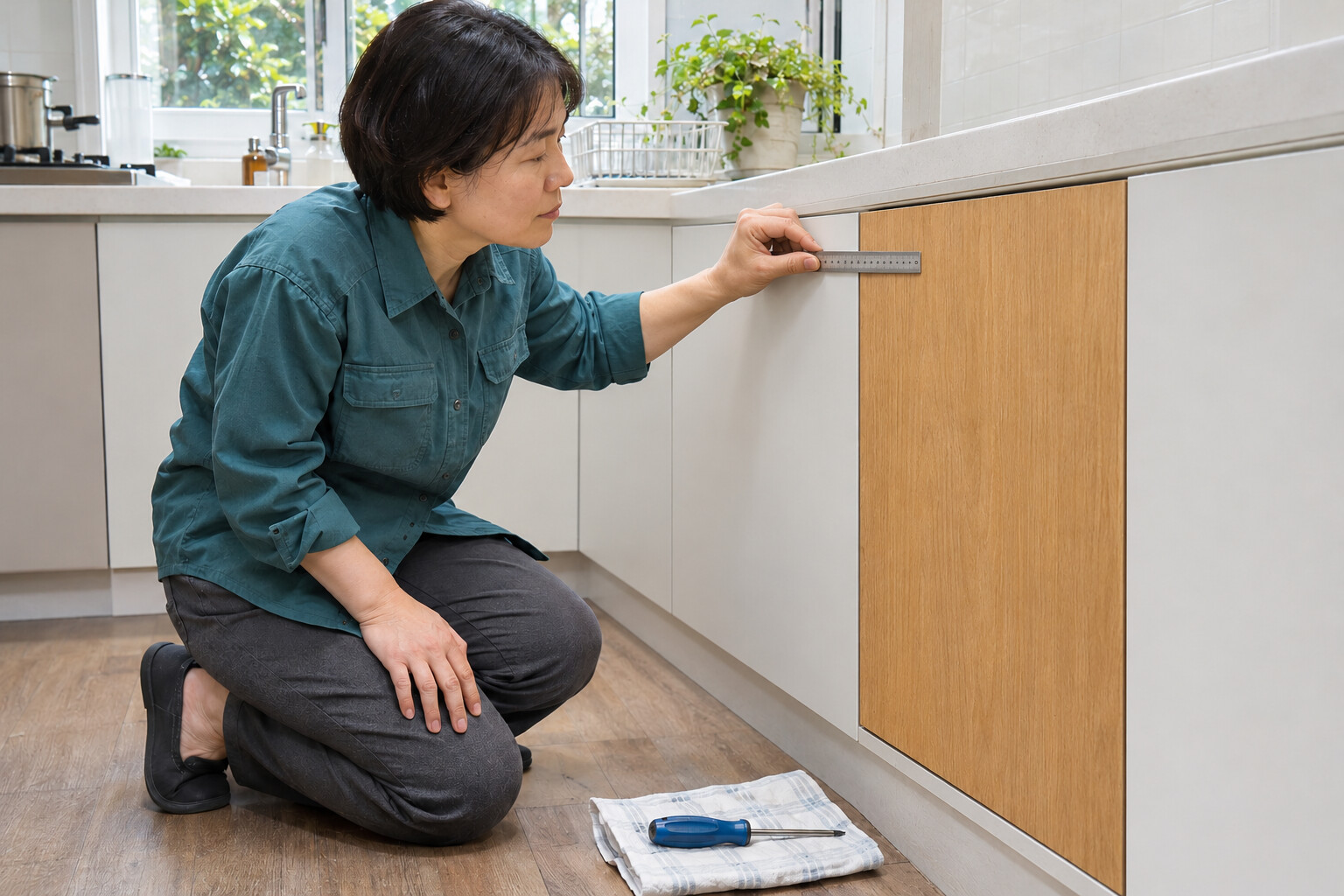
1. Inspect and record the gaps
Clear the working area. With the door gently closed, compare the top, bottom and side gaps and note where it rubs or sits proud. Open it and check that all hinges and panels are sound. Do not use alignment adjustment to compensate for loose fixings or a twisted cabinet.
Photorealistic illustration · Waey
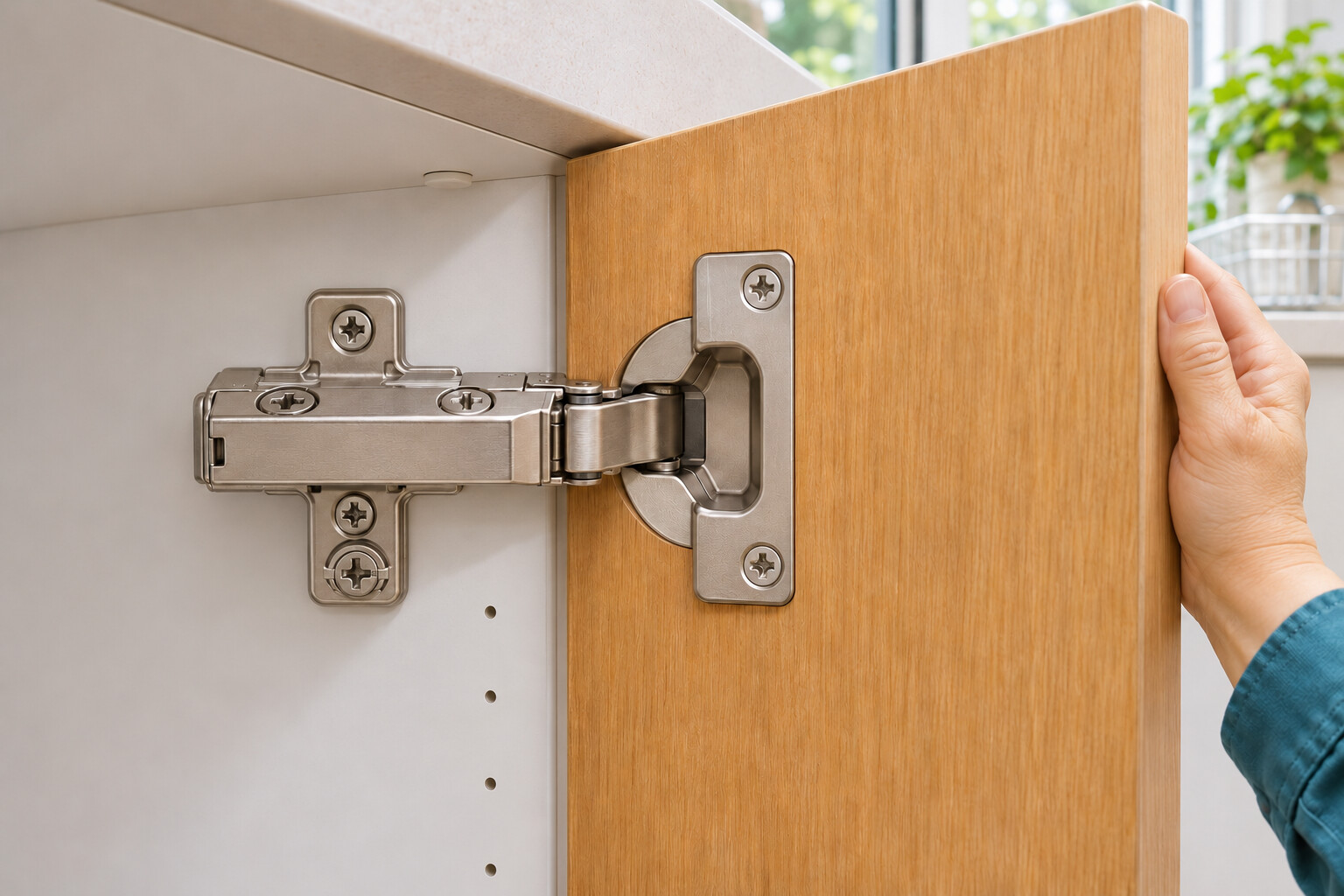
2. Identify the three adjustment cams
Match the installed hardware to the H002 diagram: the front cam on the hinge arm controls side position, the cam on the mounting plate controls height, and the rear arm cam controls depth. Locate the fixing screws and release lever so you can leave them untouched. Stop if the arrangement differs.
Photorealistic illustration · Waey
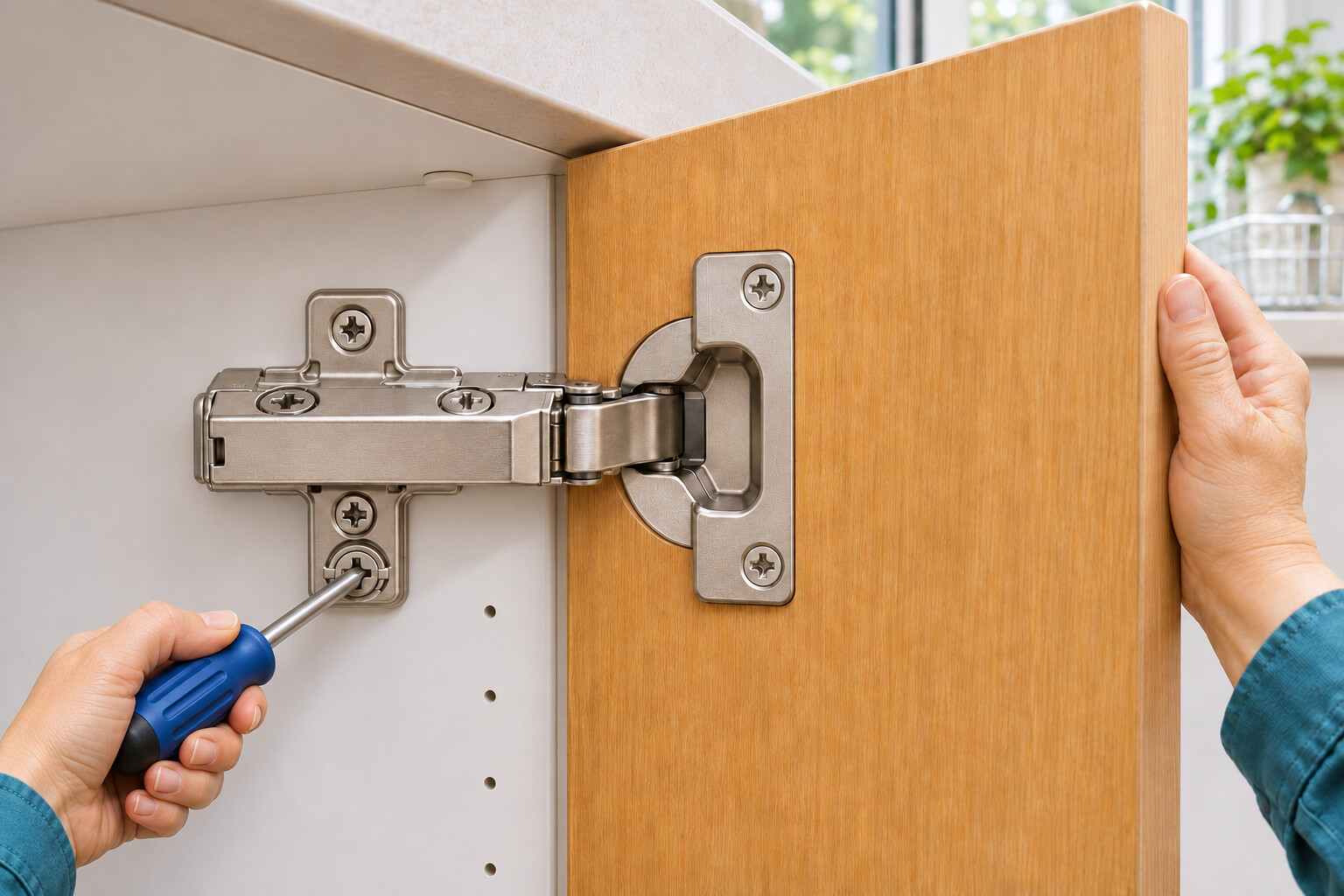
3. Correct the height
Steady the open door without lifting it. Turn each mounting-plate height cam a little, working between hinges so the door moves evenly. Close gently and recheck the upper and lower gaps. Repeat only as needed, within the stated ±2 mm travel; never loosen the plate fixing screws.
Photorealistic illustration · Waey
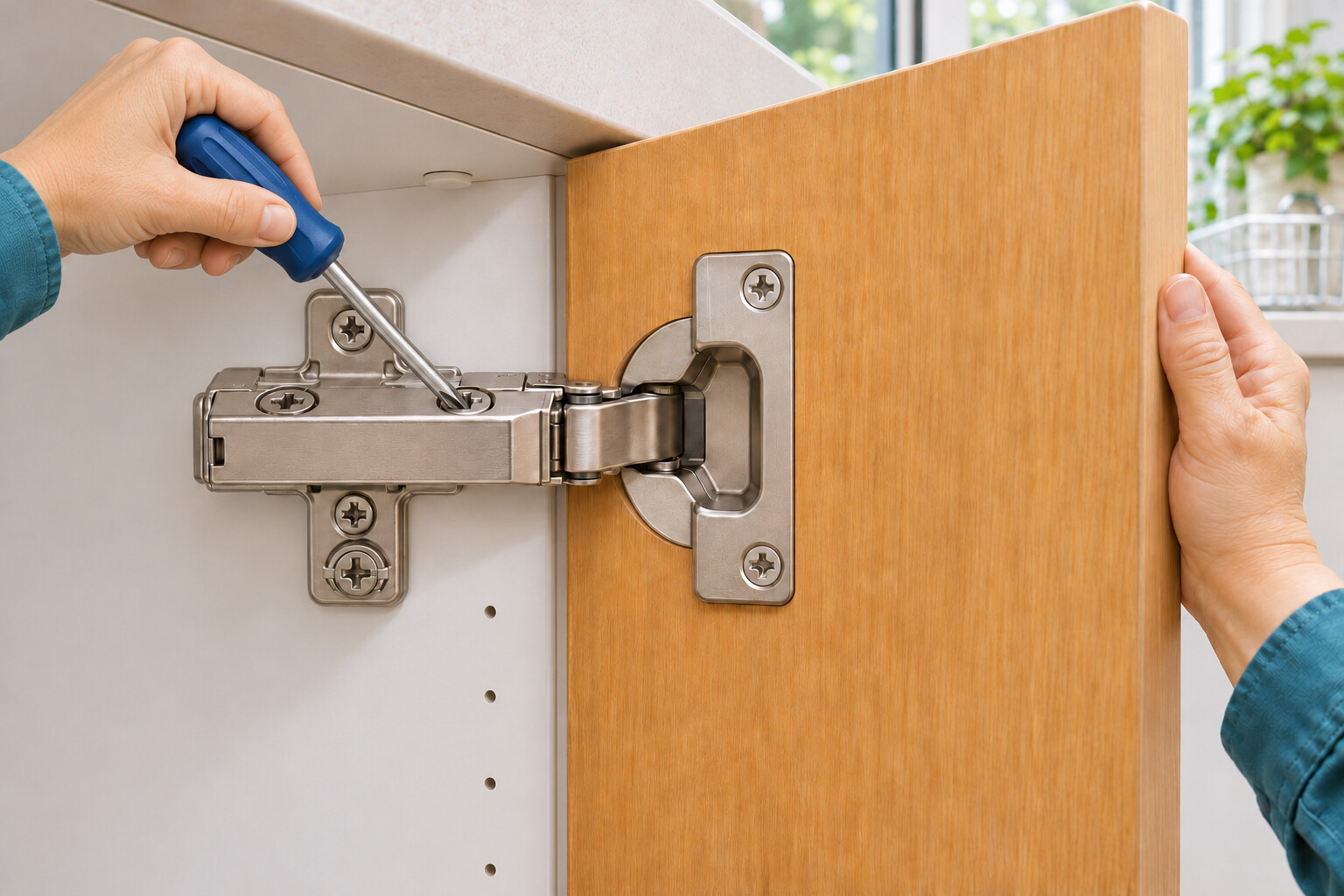
4. Correct sideways alignment
Turn the front arm cam a small amount, then close and compare the side gaps. Adjust the hinges together to shift the door, or make a small correction at the affected hinge to reduce a tapered gap. Check after every change and stay within ±2 mm travel. Do not force the door against its neighbour.
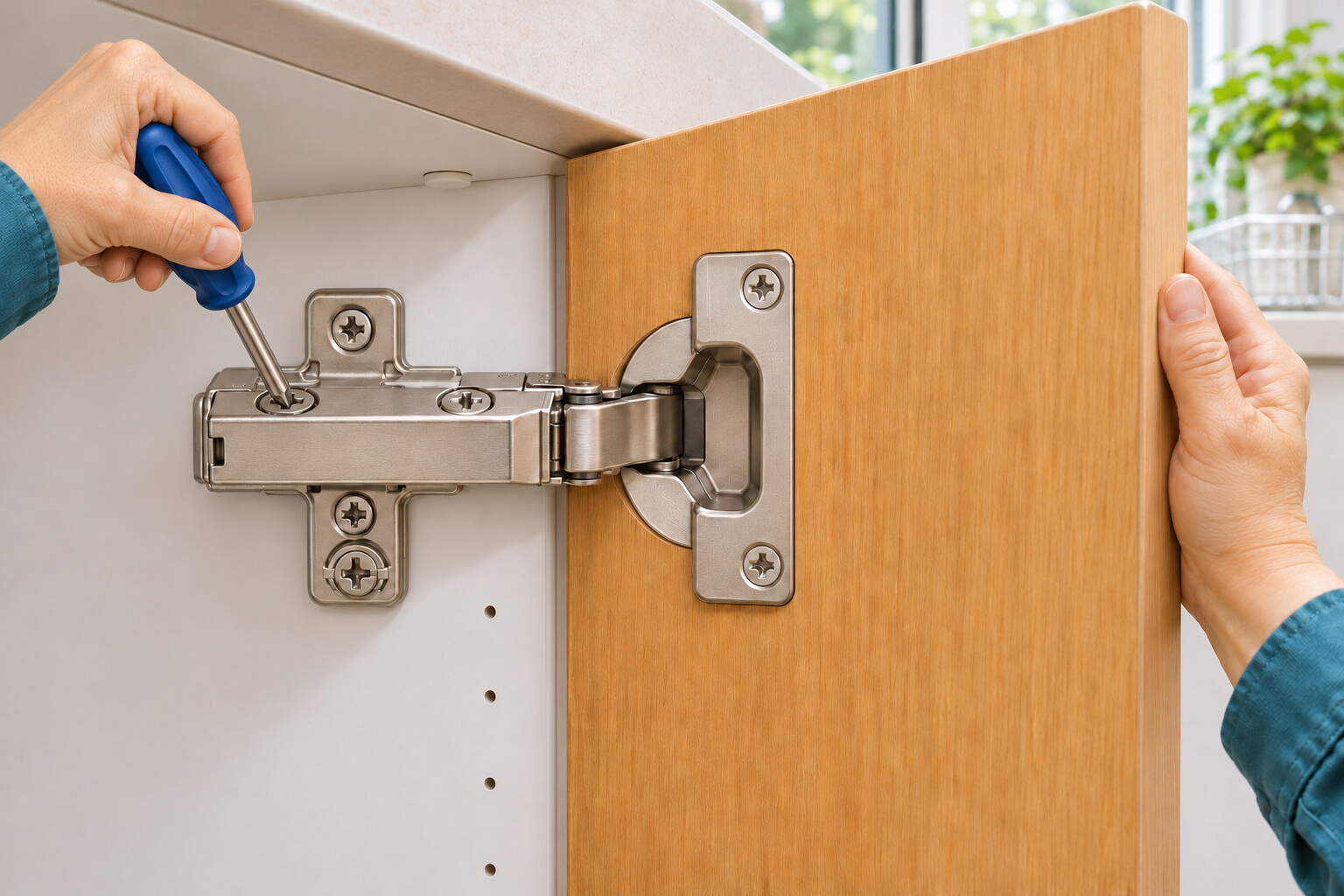
Photorealistic illustration · Waey
5. Set the depth
Use the rear arm cam to move the door nearer to or farther from the cabinet. Make small changes between hinges and recheck the closed door. The documented travel is +3/−2 mm. Preserve clearance so the hinge-side edge can swing without rubbing; do not tighten the door hard against the cabinet.
Photorealistic illustration · Waey
6. Check the complete movement
Remove the driver. Open and close the door slowly several times, keeping fingers clear. Check even gaps, clearance from neighbouring fronts and smooth closing without rubbing. Recheck all three axes after any further correction. Stop and seek help if alignment needs more travel or the door remains unstable.
Video demonstrations
CLIP top BLUMOTION Adjustments
Manufacturer animation showing an adjustment control and cabinet-front alignment. Confirm your exact controls using the H002 instructions. Only muted visual excerpts were reviewed.
Blum USA · English; audio not reviewed
Watch on YouTube ↗CLIP top BLUMOTION 110° Height Adjustment: How to straighten uneven cabinet doors
Manufacturer close-up showing a manual screwdriver at the mounting-plate height cam. Confirm the same installed kit and follow its instructions. Only muted visual excerpts were reviewed; they do not verify your hardware or a complete operating test.
Blum USA · English; audio not reviewed
Watch on YouTube ↗Final checks
Check clearances, even gaps and smooth opening and closing. Stop for instability, damage or exhausted adjustment travel.
Sources
Original AI-generated instructional illustrations, reviewed individually and as a sequence. They show inspection and control locations, not a physical test or certification of your installed hardware.