
Electronics & smart home
Sensors · Automation · Setup


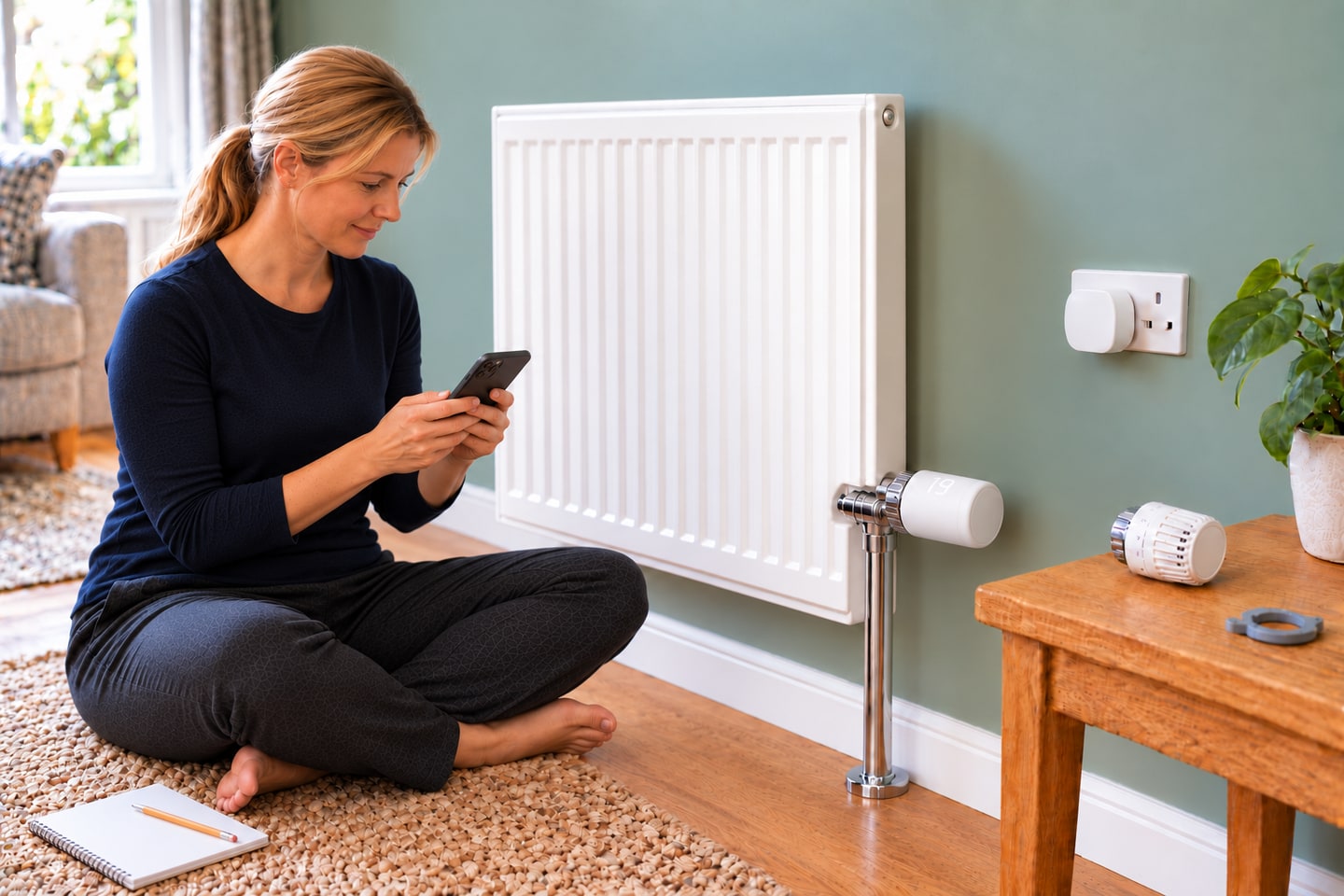
Install and commission a KE100 smart radiator head
Replace a confirmed compatible thermostatic radiator head, pair its KH100 hub and test a useful heating schedule.
Start learning →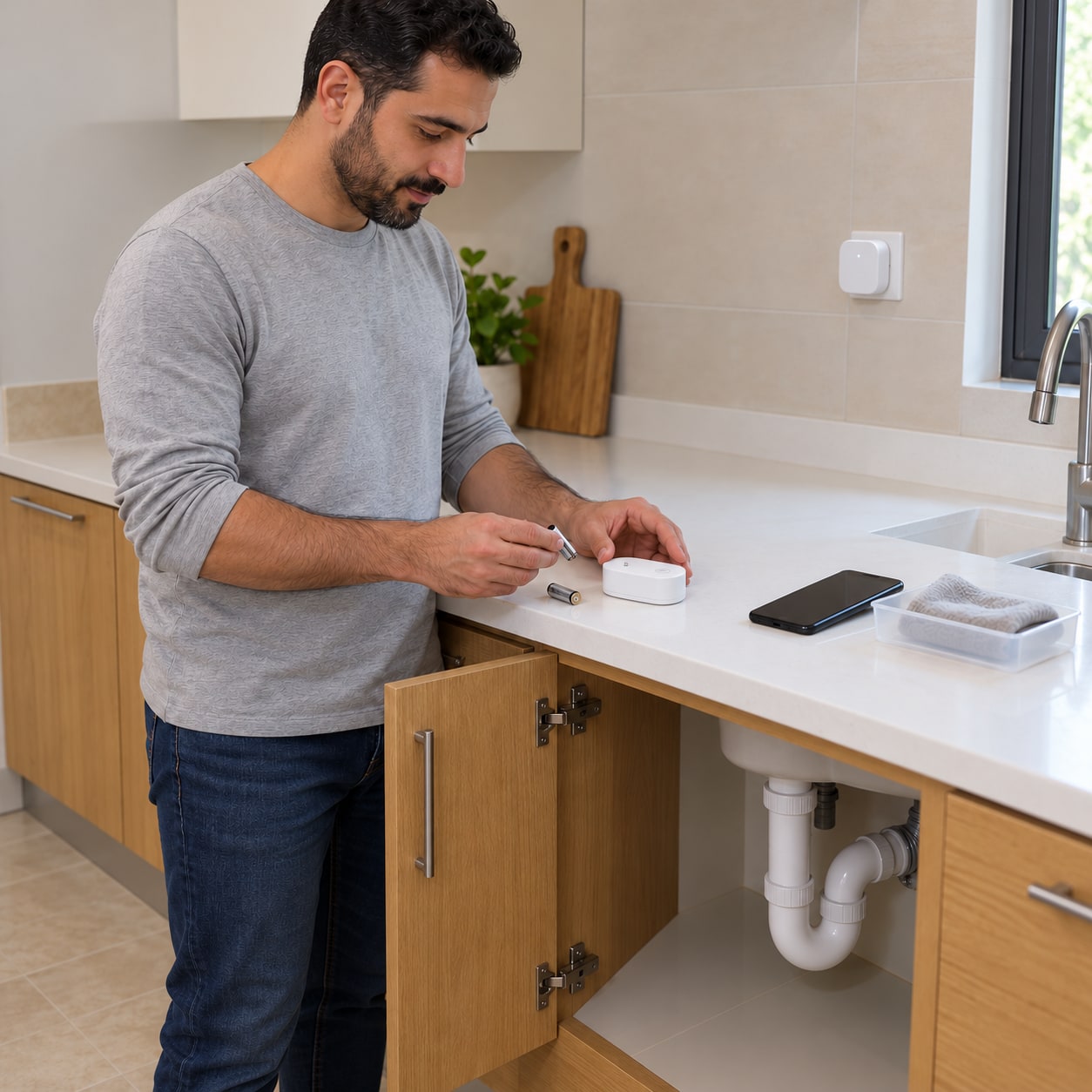
Install and test a Tapo water-leak alert system
Pair a T300 sensor with a compatible Tapo hub, add a hub alarm and prove that local and phone alerts work.
Start learning →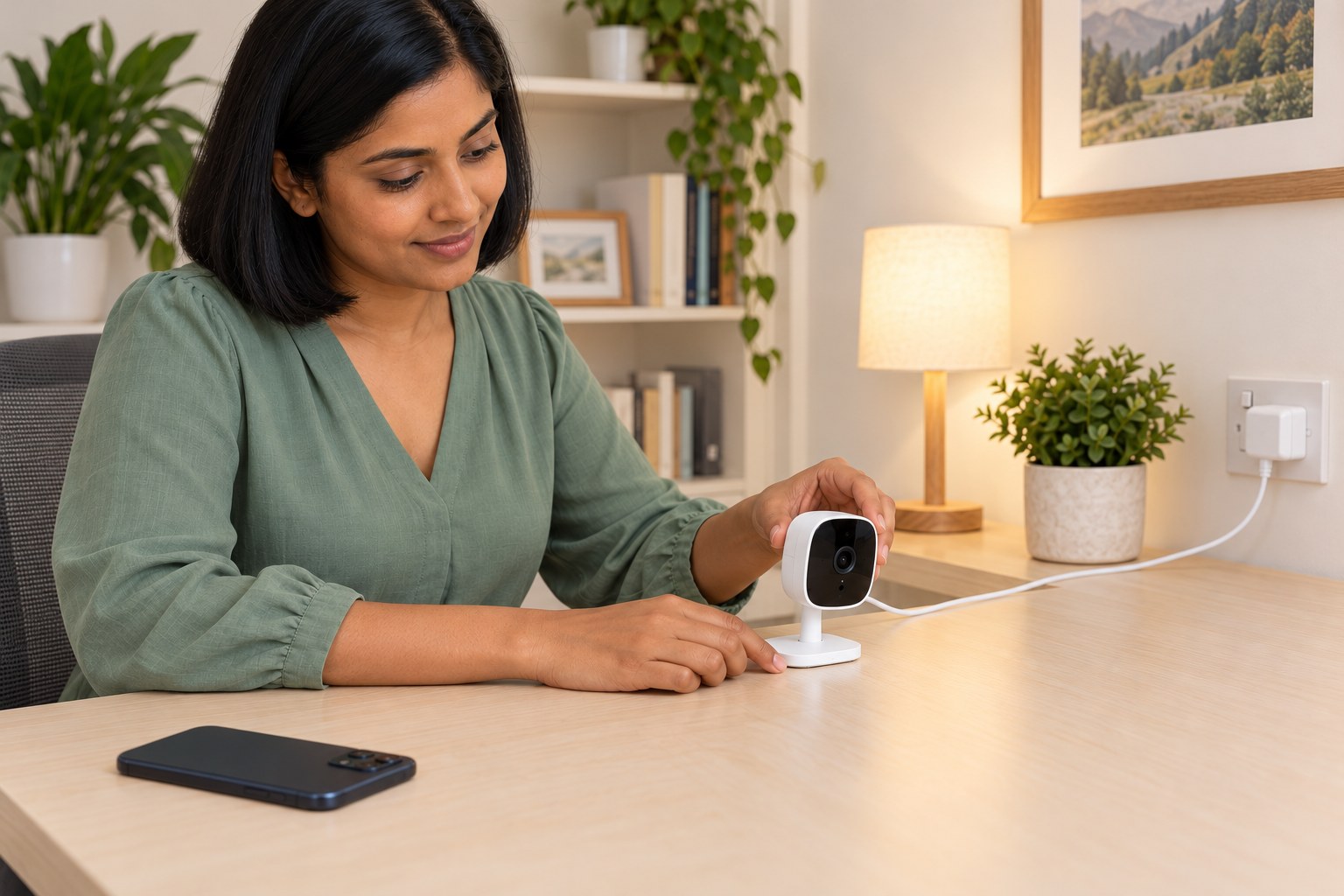
Set up a C100 V4.20 tabletop camera and test privacy and alerts
Set up a matched C100 V4.20 on a table, connect it to Wi-Fi, check live view and Privacy Mode, then test motion alerts.
Start learning →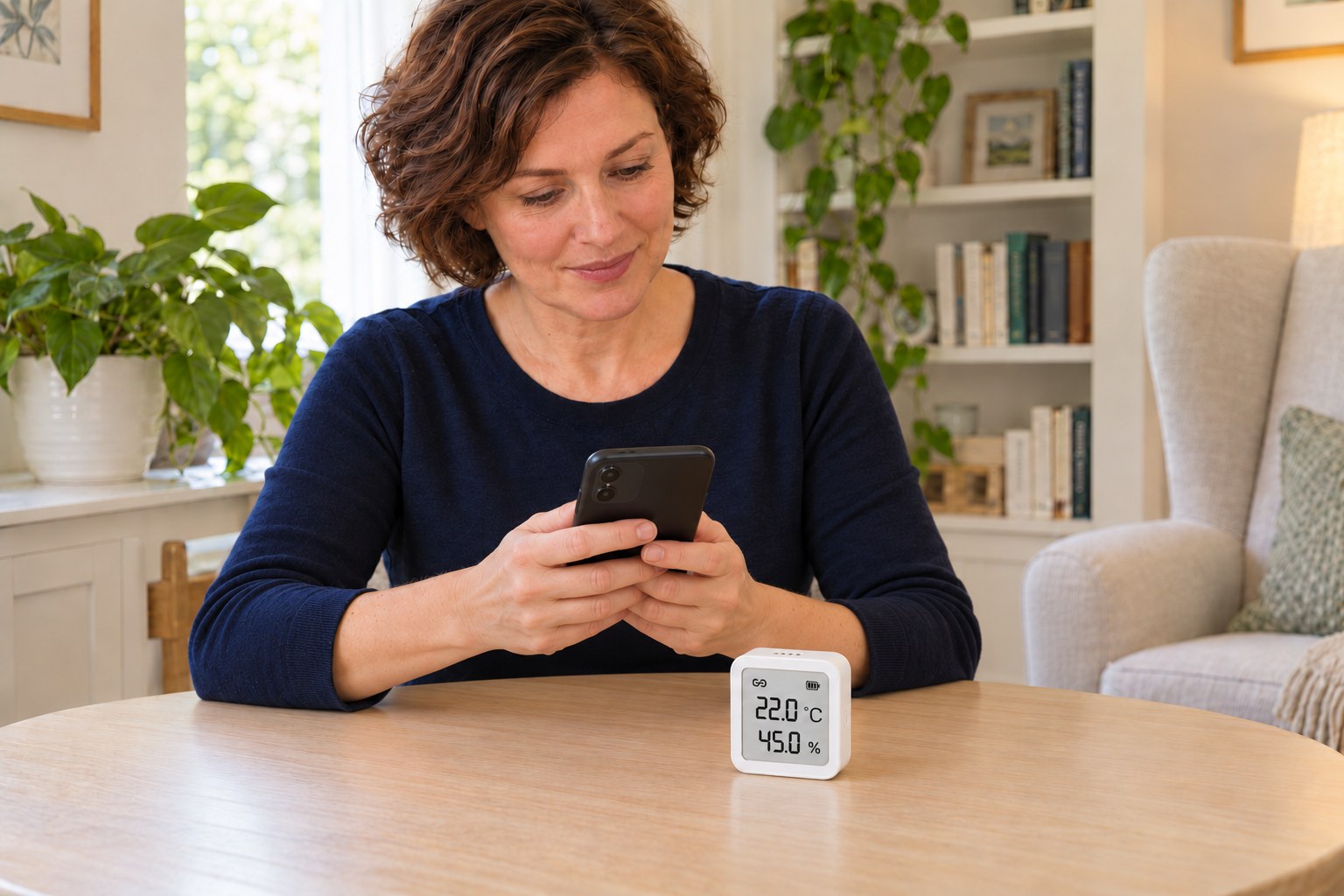
Set up a T315 monitor with H100 and check comfort reminders
Pair an EU T315 V1.20 with a working compatible H100 hub, set its display and comfort ranges, then check the link and push reminders.
Start learning →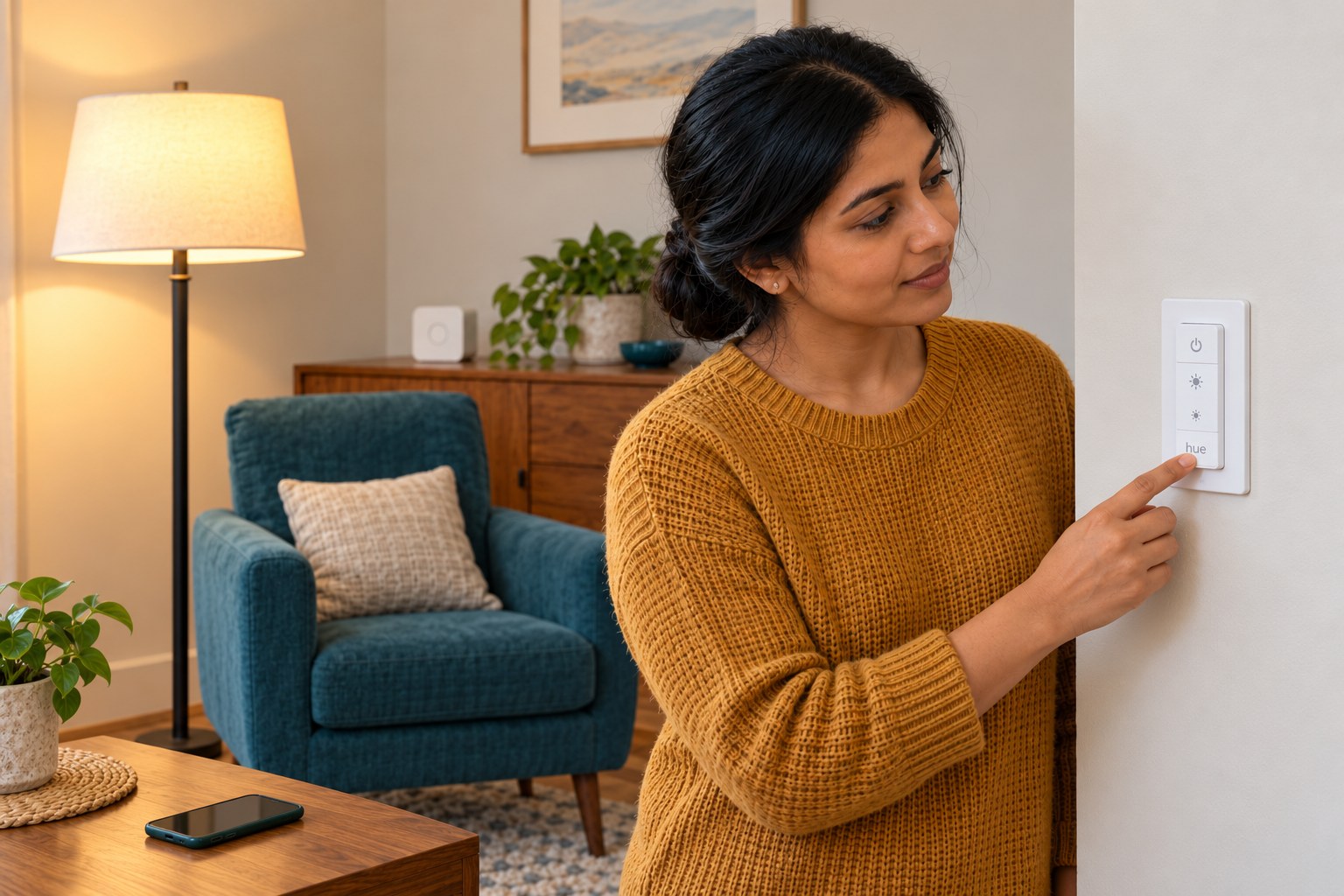
Set up and mount a Hue Dimmer Switch V2 with an existing Bridge
Pair a battery-powered Hue V2 remote with an existing Bridge, assign a Hue lamp and verify power, dimming and scene control before adhesive mounting.
Start learning →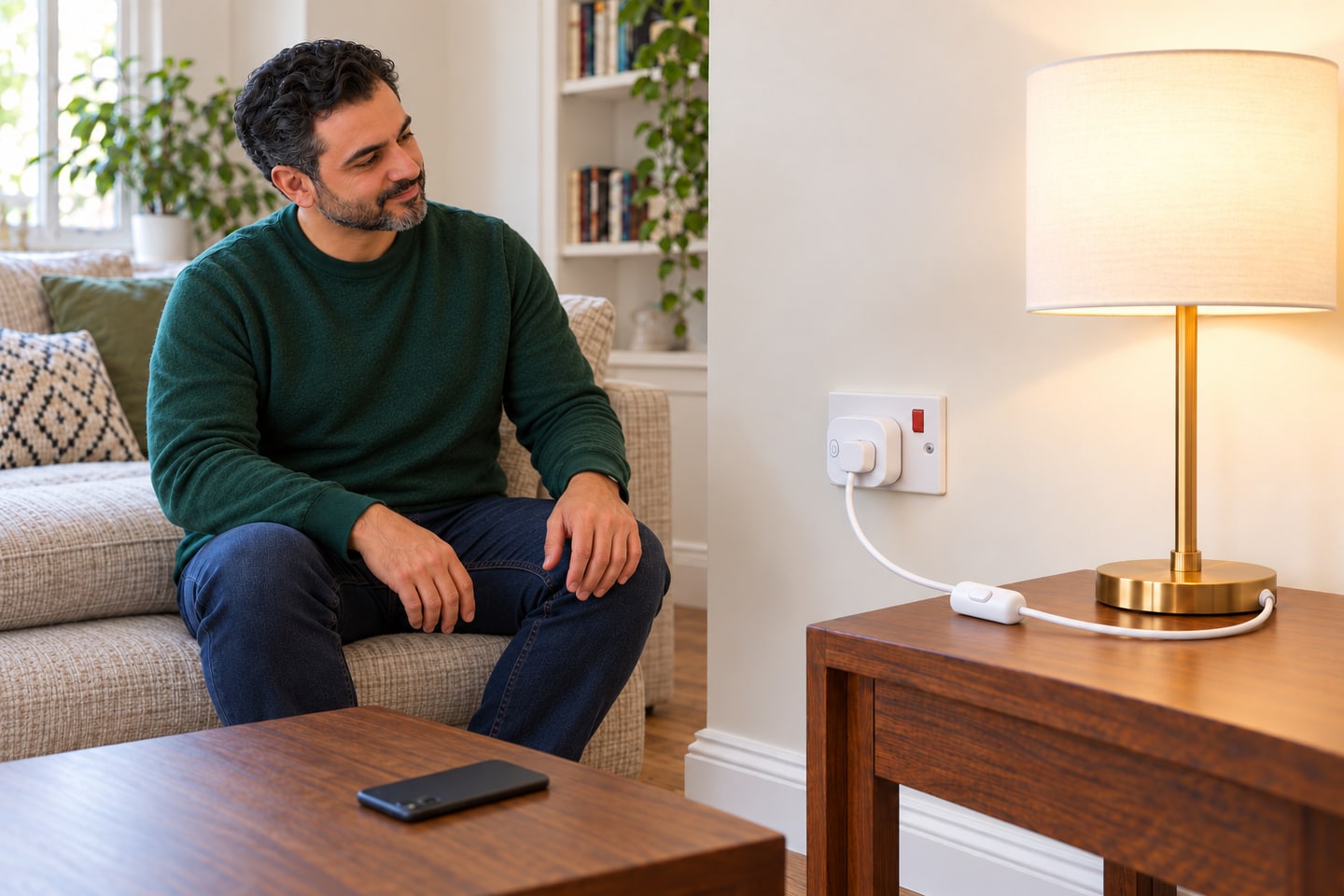
Set up a UK P110 smart plug for one table lamp
Pair a matched Wi-Fi plug, test lamp control and commission a witnessed on-and-off routine.
Start learning →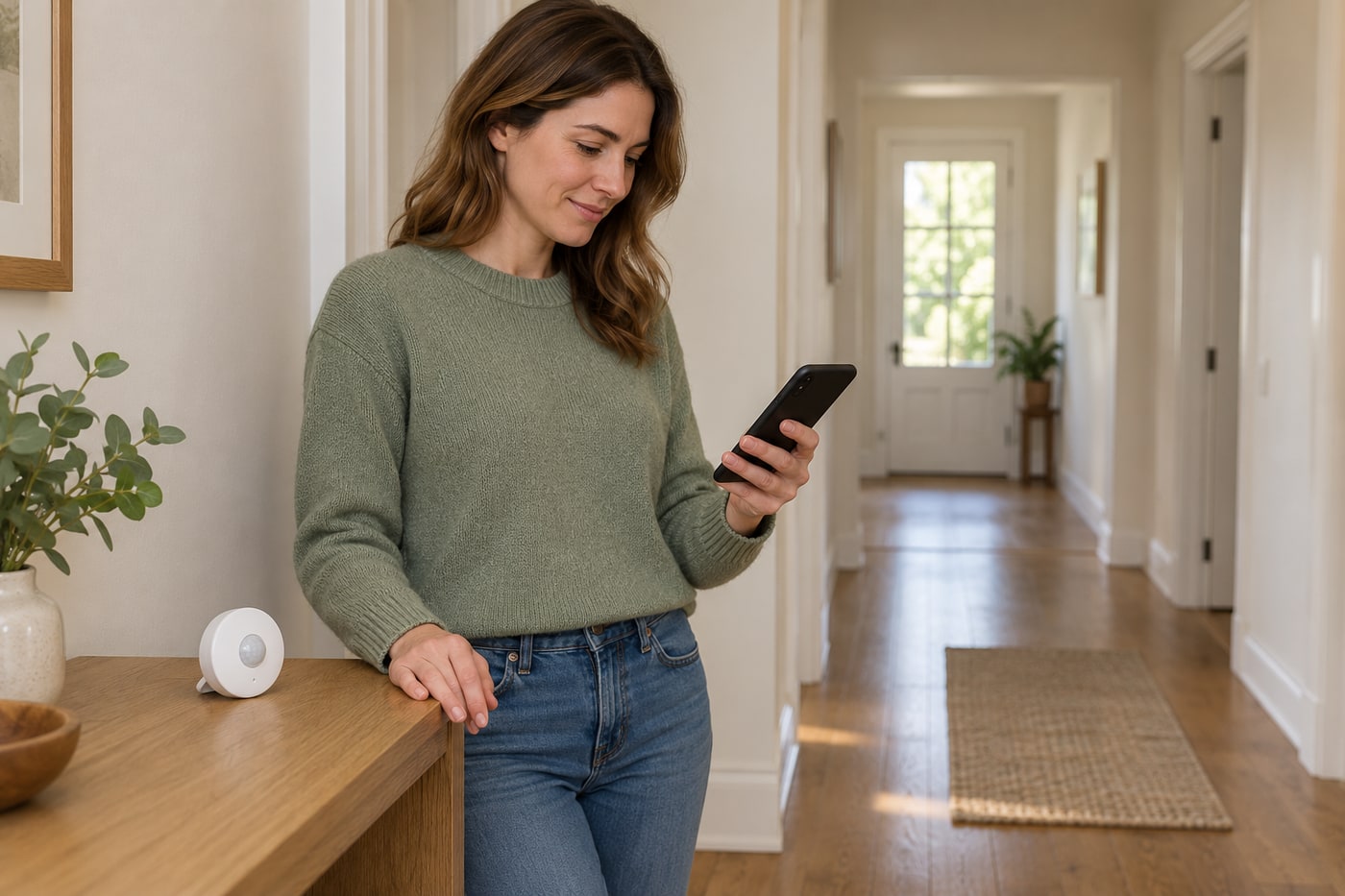
Position an already paired Tapo T100 sensor
Try a stable tabletop position and check motion events before deciding where the sensor should remain.
Start learning →
Schedule an already paired Tapo smart bulb
Create a simple recurring on/off schedule for a working Tapo bulb through its own device page.
Start learning →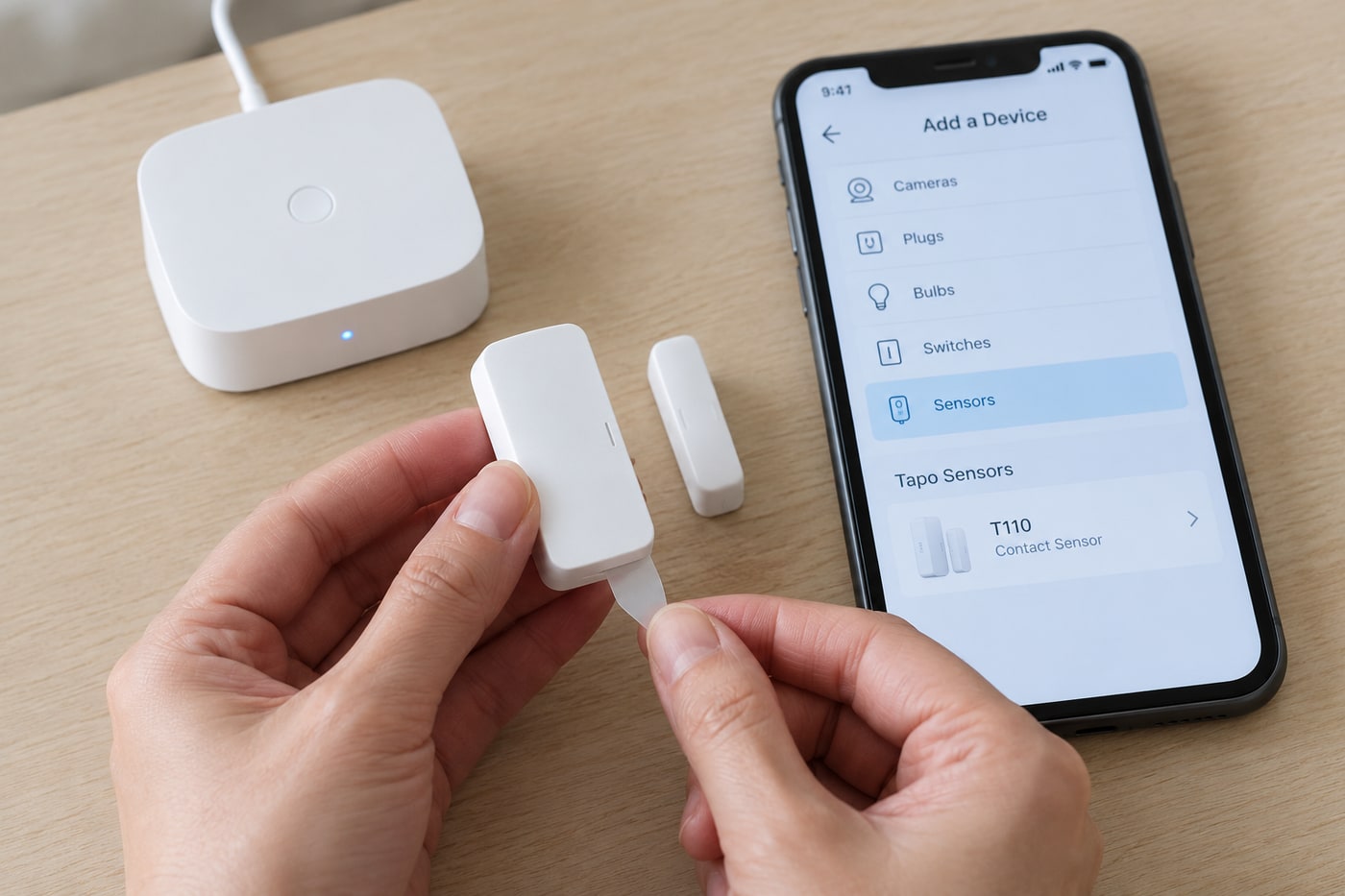
Fit a battery door contact sensor
Pair and stick a Tapo T110 contact sensor to an indoor door. A compatible Tapo hub is required.
Start learning →